The narrative has been locked in for years: serious AI work requires either a cloud provider’s credit card or a GPU cluster that costs more than your car. Fine-tuning a modern LLM? That was supposed to be the domain of labs with deep pockets and colder server rooms.
Unsloth just took a sledgehammer to that assumption.
The team behind the open-source fine-tuning library that’s become synonymous with VRAM efficiency has shipped Unsloth Desktop, a free, cross-platform application that puts both training and inference behind a native GUI on Mac, Windows, and Linux. No terminal gymnastics. No CUDA installation death-spirals. Just download, pick a model, and fine-tune.
The performance claims are the kind that usually get a skeptical eyebrow raise: 2× faster training with 70% less VRAM usage. But Unsloth has been delivering on those numbers for over two years now, and the community that’s fine-tuned models on 8GB consumer GPUs knows their track record.
This isn’t just another app launch. It’s a direct challenge to the idea that you need a GPU cluster to do meaningful AI work.
The “First Desktop App” Claim, Decoded
Unsloth’s announcement on Reddit’s r/LocalLLaMA (which hit 918 upvotes within 10 hours) makes a bold claim: this is “the first desktop app that enables you to run and train models locally.”
That phrasing matters. Apps like LM Studio and Ollama have handled inference beautifully for a while now. But training, actual fine-tuning of weights, LoRA adapters, and everything that goes into making a model yours, has been a command-line affair. You’d be juggling Python environments, CUDA toolkits, and the kind of dependency hell that makes developers question their life choices.
Unsloth Desktop eliminates all of that friction. The app handles the heavy lifting:
- Model Hub integration with quantization selection based on your hardware
- No-code training workflows where you drop in a PDF, CSV, or JSON and hit “train”
- Multi-GPU support across NVIDIA, AMD, Intel, and Apple Silicon
- CPU-only operation, yes, even your Raspberry Pi is apparently on the table
But the real story isn’t just the GUI. It’s what’s running underneath.
70% Less VRAM: The Magic Numbers, Explained
Let’s talk about why these numbers matter beyond the marketing appeal.
Unsloth’s core claim of 2× faster training with 70% less VRAM comes from a combination of technologies the team has been building for years:
- Custom Triton kernels for RoPE and MLP operations
- Padding-free training that eliminates wasted computation on variable-length sequences
- FP8 quantization-aware training, the same FP8 optimizations that democratized reinforcement learning on consumer GPUs
- Memory-efficient attention mechanisms that squeeze more context into the same silicon
The practical impact: a model that previously needed a 24GB RTX 4090 to fine-tune might now fit comfortably on an 8GB RTX 3060. A training run that took 10 hours might now take 5. For researchers and hobbyists operating without enterprise budgets, this changes the calculus of whether to experiment at all.
Early community testing on Reddit confirms the core functionality, though one advanced user who builds their own llama.cpp forks notes some friction. The auto-detected context sizes can be conservative, and there’s no way to force settings like mlock for MoE models that spill to RAM. These aren’t dealbreakers for most users, but they highlight the gap between “democratized” and “fully optimized.”
Beyond Chat: This Is a Full AI Workspace
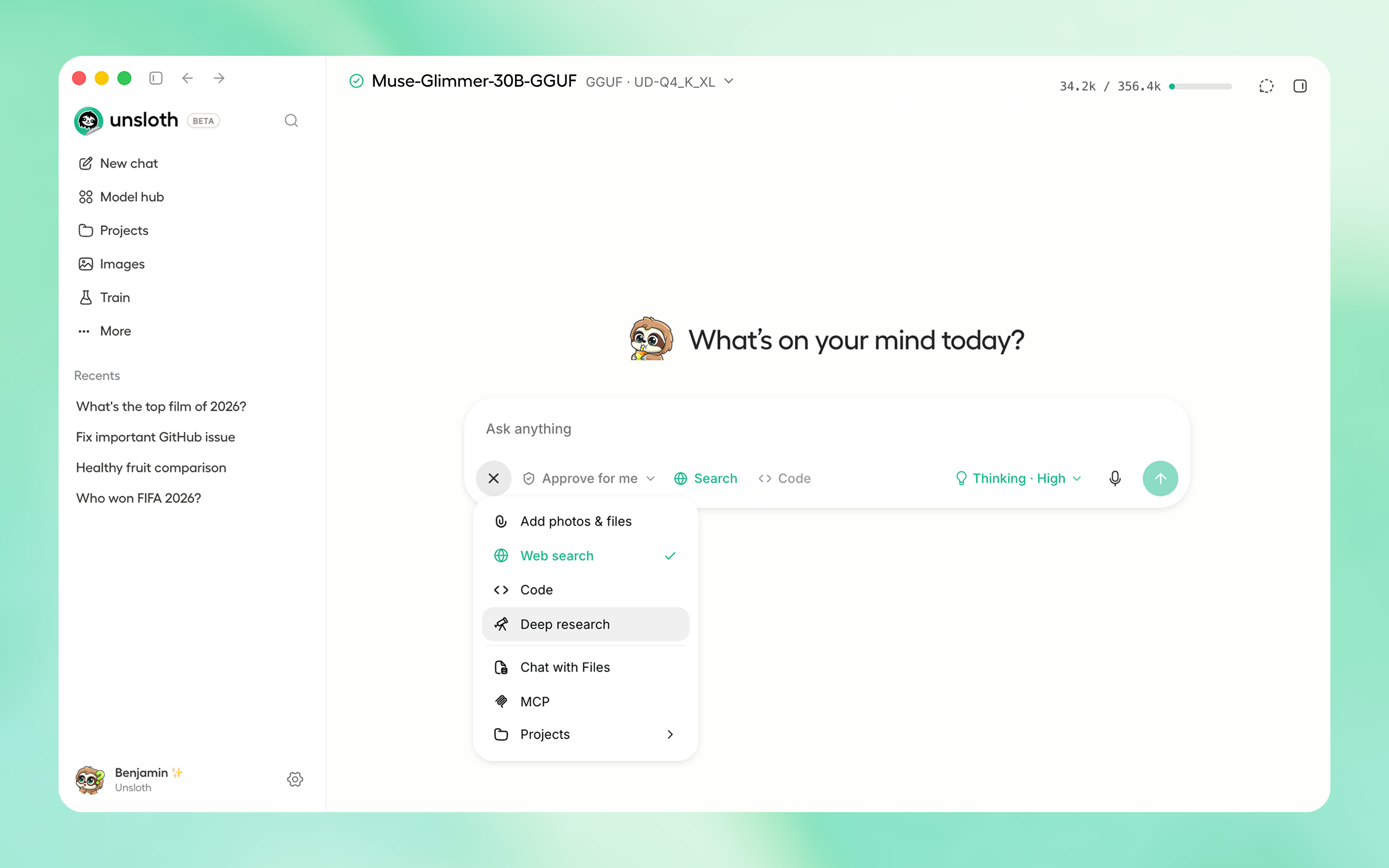
What makes Unsloth Desktop genuinely interesting isn’t just model training. It’s the ecosystem of tools bundled into one interface:
Sandboxed Code Execution
The app ships with self-healing tool calling that improves tool-call accuracy by up to 50% through automatic failure detection and retry. Models can execute Bash and Python in a secure sandbox, actually running code, testing results, and iterating on real tasks rather than just generating text that looks like code.
Local Agent Connectivity
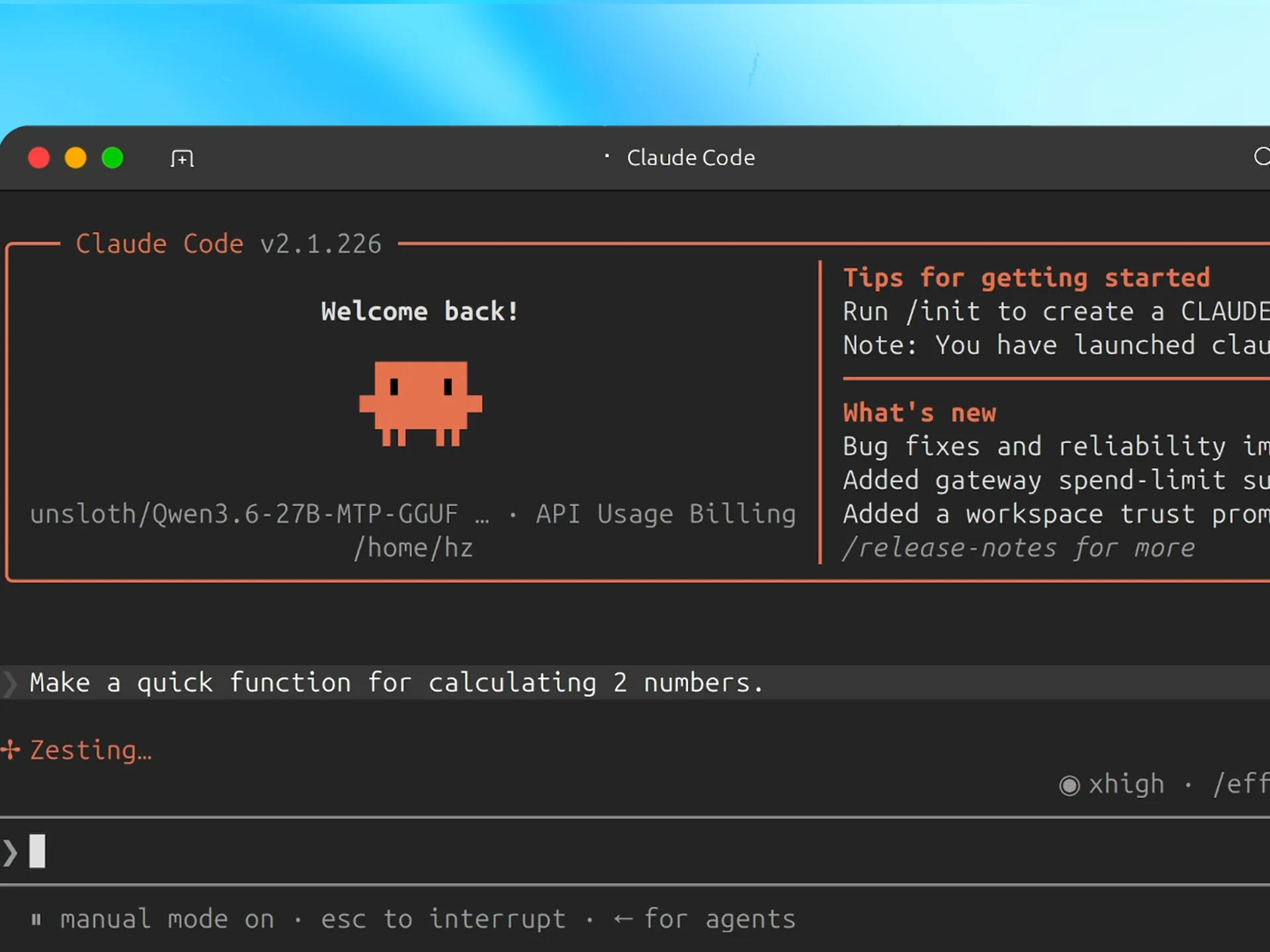
This might be the feature that quietly changes your workflow. Unsloth Desktop can connect Claude Code, OpenAI’s Codex, and other coding agents directly to local models with a single command:
unsloth start claude
That’s a direct shot at the recurring costs of cloud-based AI coding assistants. The terminal power users who’ve been skeptical of GUI tools are taking notice, one Reddit user summarized the sentiment perfectly: “I’m a terminal power user through and through but it feels like CLIs and TUIs are just too restrictive when I start working with multiple agents in parallel across a large codebase.” GUI-driven agent orchestration is winning, whether terminal purists like it or not.
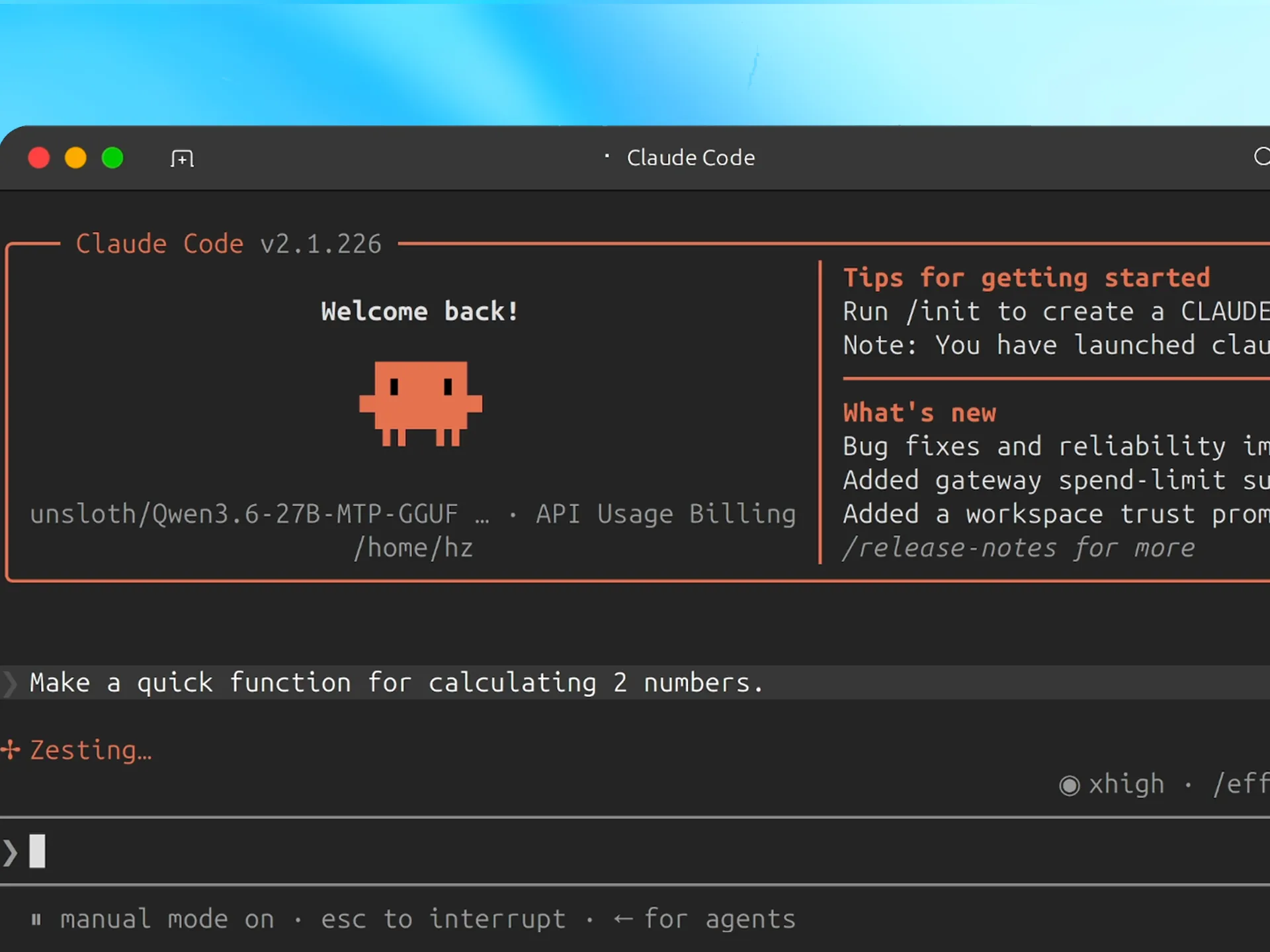
Image and Video Generation
The app handles diffusion models too, FLUX, Z-Image, MiniMax-H3, plus video generation with Wan and LTX. On an NVIDIA B200, a 960×544, 124-frame video that previously took over 70 seconds now renders in 13 seconds at 8 steps. That’s not an incremental improvement, that’s a category change.
Advanced Web Search with Deep Research
Unlimited, private web search that actually visits pages and cites sources. Deep Research mode plans, searches, and produces a detailed report with citations, functionality that cloud providers have been packaging as a premium feature.
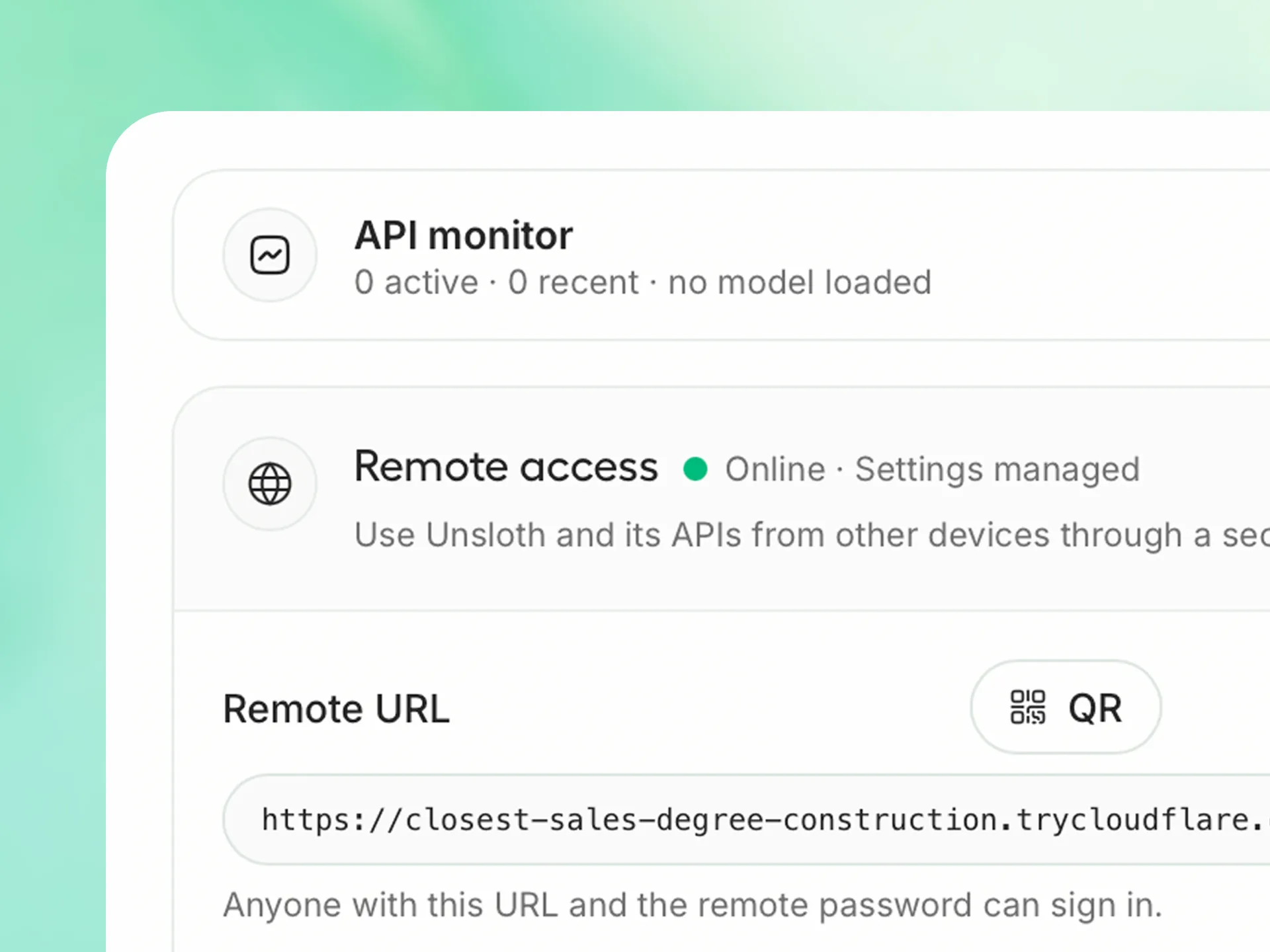
Secure Remote Access via Cloudflare HTTPS
The app can tunnel your local models over a free Cloudflare HTTPS connection, letting you access them from your phone or any device anywhere. No VPS hosting fees, no exposing raw ports to the internet.
Hardware Democracy: AMD, Intel, Mac, and “Any Setup”
Here’s where Unsloth Desktop actually delivers on a promise most AI tooling still fumbles.
The hardware ecosystem for local AI has been fragmented and frustrating. llama.cpp works great on Mac. ROCm support for AMD GPUs has historically been a maze. Intel GPUs were an afterthought for most training tools. Unsloth Desktop claims support across all of them, including CPU-only setups.
A Reddit user asked the obvious question: “Can I run this without a GPU? Maybe if I have a lot of pure CPU RAM? I don’t mind it being slow.”
The answer from the Unsloth team: “Yes of course. It works on any setup.”
The community’s skepticism was immediate, one user joked about running it on a Raspberry Pi. But the fact that the question even needs asking says something about how gatekept local AI has been. The death knell for cloud AI dominance has been sounding for a while now, and tools like this are what make it real.
The Reality Check: It’s Not All Smooth Sailing
The launch community feedback includes some sharp criticism from technical users who dug in beyond the surface. One advanced user’s detailed first-impression review flags real issues:
- Opaque error messages: Video generation failures return vague “video generation failed” errors with no debug logs or guidance
- Limited llama.cpp parameter access: No raw command-line options, no control over quantization formats, no way to specify which llama.cpp version to use
- Context size inflexibility: The app auto-infers context limits that sometimes don’t match a model’s actual capabilities, one user reported being unable to force Muse-Glimmer to its supported 256k context because the app locked it to 128k
- Model management friction: Switching between chat/image/video tabs can lose loaded models mid-generation
These aren’t fatal flaws, but they’re honest limitations. Unsloth Desktop is a beta product, version 0.1.701, and the polish gaps show. For power users who’ve built workflows around llama.cpp’s raw flexibility, this app won’t replace their setup yet.
No Telemetry, No Data Collection: The Privacy Pitch
In an era where every AI tool seems designed to vacuum up your data, Unsloth’s commitment is notable: no telemetry, no data collection, period.
The app can run entirely offline. Your chats, training runs, and model parameters stay on your hardware. For enterprises with data governance constraints, healthcare, finance, legal, this is the difference between “we can use AI” and “we can’t risk it.”
The AGPL-3.0 licensing for the Studio UI and Apache 2.0 for the core library also keeps the community trusts intact, with the dual-licensing model funding ongoing development without closing off the source.
What This Means for the AI Power Structure
Stepping back from the feature list, the launch of Unsloth Desktop represents something bigger: the continuing erosion of the central AI stack.
The current AI landscape is dominated by API gatekeepers. Want to use a frontier model? You don’t get the weights. Want to fine-tune on your proprietary data? That happens on their hardware, with their oversight. Your data flows through their pipelines, and your dependency grows with every token.
Local AI breaks that loop. Local 27B models are already rivaling frontier cloud AI in benchmarks, and the performance gap narrows with every release. The ability to run, and now train, state-of-the-art open models on commodity hardware isn’t just a hobbyist convenience. It’s a strategic alternative to cloud dependency.
The Verdict: Revolutionary for the Right Audience
Unsloth Desktop is a significant milestone, but it’s important to be precise about what it is and isn’t.
For researchers, students, and independent developers: This is transformative. The barrier to entry for fine-tuning your first model just dropped from “weeks of environment setup” to “download and click.” The 2× speedup and 70% VRAM reduction mean training on consumer GPUs is now genuinely practical for a much wider range of models.
For teams with existing robust local workflows: The missing advanced parameters and opaque error handling will frustrate. Stick with your current setup for now, but watch where this goes, the TUI is coming, and the community’s feedback loop is active.
For enterprises evaluating AI deployment: The no-telemetry promise, local-first architecture, and secure remote access make this worth a serious evaluation. The ability to train models on proprietary data without third-party infrastructure involvement is a compliance game-changer.
The FP8 revolution and consumer GPU reinforcement learning already showed us the direction. Unsloth Desktop isn’t just following that path, it’s paving it.
Download it. Train something. Break the cloud dependency. Your GPU rent bill will thank you.