NVIDIA just published an official beginner’s guide to fine-tuning LLMs using Unsloth, and if you’re in AI, this should raise your eyebrows. Not because Unsloth is new, it’s been the open-source community’s secret weapon for months, but because NVIDIA’s institutional blessing transforms a scrappy optimization framework into a strategic industry standard. This isn’t just documentation, it’s a power move that could reshape who gets to play in the AI sandbox and what hardware they need to bring.
The Institutional Validation Game-Changer
Let’s be blunt: when the company that sells you the shovels starts handing out free treasure maps, you should ask what’s in it for them. NVIDIA’s RTX AI Garage guide doesn’t just walk through LoRA training, it anoints Unsloth as the recommended path for everyone from hobbyists with RTX 4090s to enterprises eyeing DGX Spark supercomputers. The subtext? Fine-tuning isn’t just for labs with infinite cloud budgets anymore. But the fine print reveals a more nuanced story about hardware lock-in disguised as democratization.
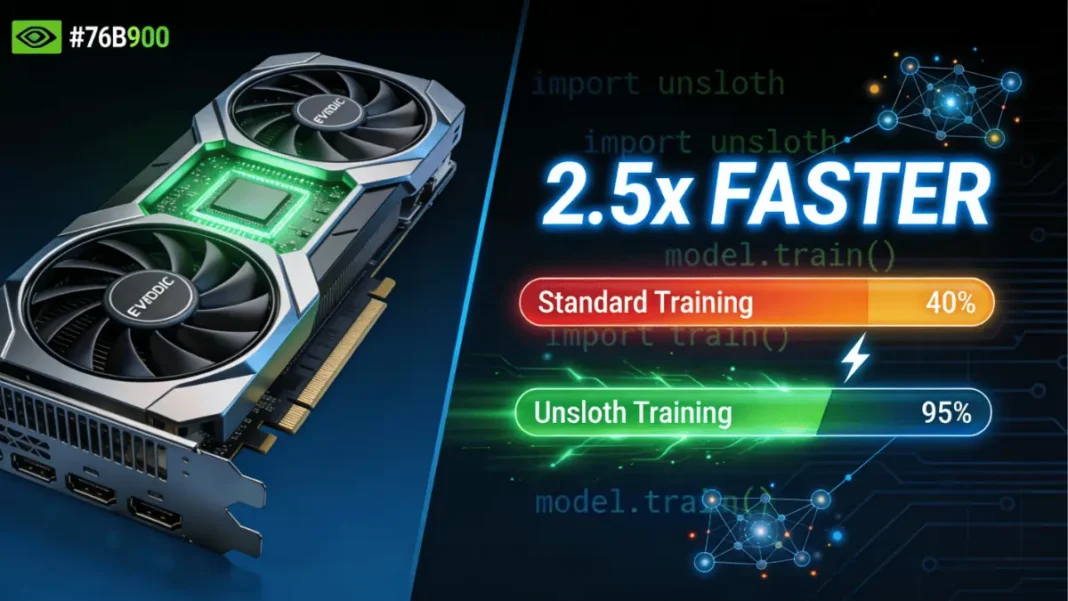
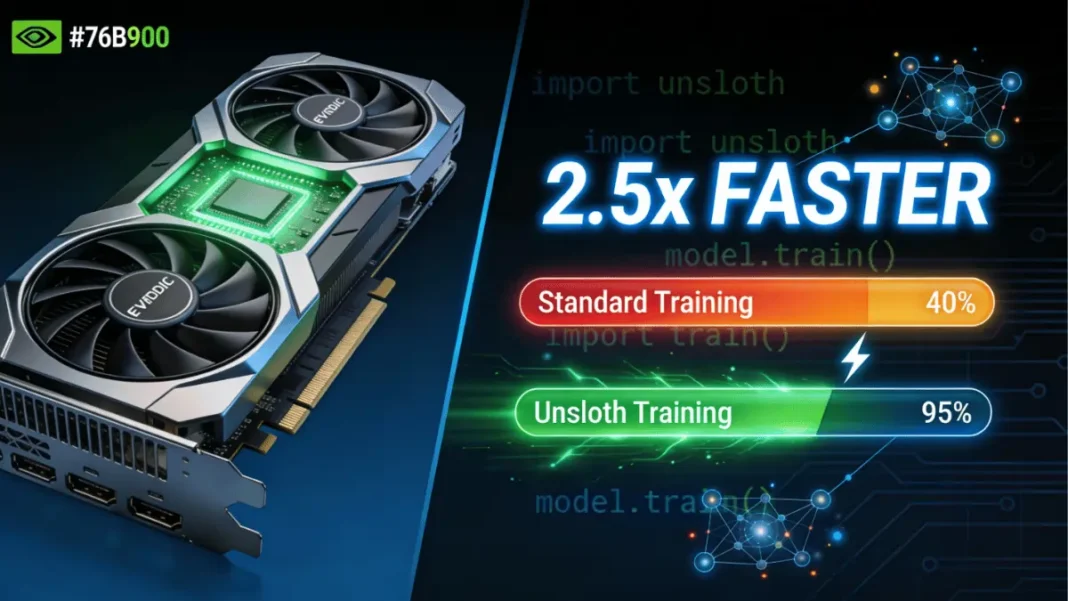
The framework delivers 2.5x faster training than standard Hugging Face transformers while slashing VRAM usage by up to 70%. For a Llama 3 8B model, that means finishing a fine-tuning job in 2-3 hours on an RTX 5090 instead of the usual 6-8 hour slog. On multi-GPU setups, the acceleration jumps to 30x compared to Flash Attention 2. These aren’t incremental gains, they’re the difference between experimenting over coffee versus planning a weekend around your training run.
What Unsloth Actually Does (And Why It Works)
Unsloth’s magic isn’t smoke and mirrors, it’s hand-optimized GPU kernels that rewrite the mathematical foundations of transformer training. While standard libraries treat NVIDIA hardware as generic compute devices, Unsloth crafts custom Triton kernels that translate directly into efficient parallel workloads. Think of it as the difference between using Google Translate versus hiring a native speaker who also happens to be a poet.
The framework supports every NVIDIA GPU from 2018 onward, from humble GTX 1080 Ti cards to the latest Blackwell architecture. But here’s where the “democratization” narrative gets interesting: the performance delta widens dramatically on newer hardware. An RTX 5090 sees 2.5x acceleration, but older cards get modest improvements. NVIDIA isn’t just validating Unsloth, it’s creating a compelling reason to upgrade.
Memory Optimization That Actually Matters
Unsloth achieves its 70% VRAM reduction through a cocktail of techniques:
– 4-bit quantization that preserves model accuracy while halving memory footprint
– Gradient checkpointing that trades compute for memory efficiency
– Optimized attention mechanisms that eliminate redundant calculations
For a 7B parameter model, this drops VRAM requirements from 24GB+ for full fine-tuning to 8-12GB for QLoRA. Suddenly, that RTX 4070 with 12GB becomes viable for serious model customization.
Three Fine-Tuning Methods, One Hardware Reality
NVIDIA’s guide breaks down three approaches, but the hardware requirements tell the real story:
Parameter-Efficient Fine-Tuning (LoRA/QLoRA)
The entry-level method updates only a small subset of parameters, requiring just 100-1,000 prompt-sample pairs. You can fine-tune a 7B model on 8GB VRAM and a 13B model on 16-20GB. This is the “democratization” sweet spot, accessible to indie developers and small teams.
Use cases: Domain-specific chatbots, legal document analysis, scientific research assistants
Full Fine-Tuning
This brute-force approach updates every parameter and needs 1,000+ samples plus 24GB+ VRAM for 7B models, scaling to 60GB+ for 30B+ models. NVIDIA positions this for enterprise applications requiring strict compliance, but let’s be honest: it’s also the method that sells more A100s and DGX Sparks.
Use cases: Healthcare bots with regulatory requirements, financial advisors with rigid formatting rules
Reinforcement Learning
The advanced technique combines training and inference with feedback loops. NVIDIA admits this requires “action models, reward models, and training environments”, code for “you’ll need serious infrastructure.” This is democratization for those who can afford the compute bill.
Use cases: Autonomous coding agents, medical diagnosis systems
The Hardware Hierarchy: From Gaming GPUs to Mini Supercomputers
NVIDIA’s guide conveniently maps methods to hardware tiers, creating a clear upgrade path that just happens to align with their product lineup:
| GPU Model | VRAM | Max Model (QLoRA) | Full Fine-Tuning | Price Range | Best Use Case |
|---|---|---|---|---|---|
| RTX 4090 | 24GB | 13B | 7B (limited) | $1,600 | Hobbyists, indie devs |
| RTX 5090 | 32GB | 20B | 7B | $2,000 | Serious developers |
| RTX PRO 6000 | 48GB | 30B | 13B | $6,500 | Small teams |
| DGX Spark | 128GB unified | 40B+ | 30B+ | $15,000+ | Researchers, enterprises |
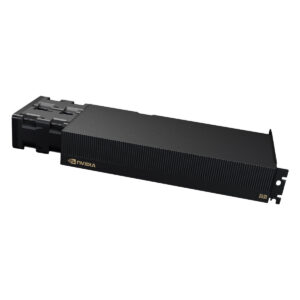
The DGX Spark is NVIDIA’s ace card. With 128GB unified CPU-GPU memory and 1 petaflop FP4 performance, it eliminates VRAM bottlenecks entirely. On a Llama 3 8B task, DGX Spark processes 11 steps/hour with batch size 8, while an RTX 5090 manages only 8 steps/hour at batch size 2. For 70B models, DGX Spark hits 1,461 tokens/second with parameter-efficient methods, numbers that make cloud rentals look wasteful.
The cost math is brutal but clear: An RTX 5090 costs $2,000 and runs fine-tuning jobs at zero marginal cost. Cloud H100 rentals run $2-4/hour, meaning a typical job costs $50-100. DGX Spark breaks even after 150-200 fine-tuning sessions compared to cloud costs. If you’re running daily training pipelines, local hardware pays for itself in months.
The Nemotron 3 Gambit
NVIDIA isn’t just providing the tools, they’re offering the models. The Nemotron 3 Nano 30B-A3B uses a Mixture-of-Experts architecture that activates only 3B parameters per inference call, delivering 60% fewer reasoning tokens and a 1 million-token context window. Fine-tuning it requires 60GB VRAM with 16-bit LoRA, making it a DGX Spark showcase model.
The positioning is strategic: Nemotron for cost-efficient inference, Llama 3 for general chat, Mistral for code generation. NVIDIA is building an ecosystem where their hardware, software, and models work best together. It’s the classic platform play, make the pieces interoperable and the switching costs become prohibitive.
The Fine Print: Where Democratization Gets Messy
Here’s where we need to pump the brakes on the “AI for everyone” narrative. NVIDIA’s guide makes several assumptions:
CUDA Lock-in: Unsloth’s deepest optimizations require CUDA 12.0+ and work best on NVIDIA hardware. AMD and Intel GPU support remains “experimental”, which is open-source speak for “good luck.” If you build your workflow around Unsloth, you’re buying NVIDIA for the foreseeable future.
Dataset Quality Over Quantity: The guide suggests 100-1,000 samples for LoRA, but experienced practitioners know that data curation is the real bottleneck. A thousand garbage examples won’t save your model, and curating good data takes time and expertise that beginners often lack.
The 70% VRAM Savings Caveat: That dramatic reduction assumes you’re using 4-bit quantization and gradient checkpointing. Both introduce trade-offs, quantization can hurt model quality on niche tasks, and checkpointing slows training. The “free lunch” has calories.
Windows Complexity: The guide glosses over setup headaches. While Linux and Docker installs are straightforward, Windows users face dependency hell. This isn’t accidental, NVIDIA’s enterprise customers run Linux, and hobbyists are expected to figure it out.
Getting Started Without Selling Your Kidney
If you want to experiment without committing to a DGX Spark, here’s the practical path:
Minimum Viable Setup
# Install Python 3.10-3.12
# For RTX 30/40/50 series with CUDA 12.0+
pip install unsloth
python -c "import unsloth, print(unsloth.__version__)")
Configuration That Actually Works
For a 7B model on 24GB VRAM:
– Batch size: 2-4
– Gradient accumulation: 4
– LoRA rank: 32 (all linear layers)
– Mixed-precision: FP8 on Blackwell, FP16 on older cards
Troubleshooting Real Problems
- Out-of-memory errors: Drop batch size to 1, enable gradient checkpointing, or switch to 4-bit quantization. If that fails, your hardware is the limit.
- Slow training: Verify CUDA 12.0+ and update Unsloth. If you’re on older hardware, accept the performance hit or upgrade.
- Model quality degradation: For MoE models like Nemotron 3, keep 75% reasoning examples in your dataset to preserve chain-of-thought capabilities.
The Cultural Shift: Fine-Tuning as a Lifecycle Phase
The most significant implication isn’t technical, it’s cultural. NVIDIA is pushing the idea that fine-tuning should be a natural phase in an AI model’s lifecycle, not a specialized research project. Download a base model, adapt it to your domain, deploy locally. Rinse and repeat.
This vision requires hardware at every developer’s desk, which just happens to align with NVIDIA’s product strategy. The RTX AI Garage initiative isn’t charity, it’s market creation. By making fine-tuning accessible on consumer hardware, they’re seeding the next generation of enterprise customers who’ll eventually need DGX Sparks for production.
Counterarguments and Nuances
Industry forums reveal skepticism. Some developers argue that NVIDIA’s “democratization” is really “democratization for those who can afford $2,000 GPUs.” Others point out that cloud providers still offer better value for sporadic workloads, why buy a GPU that sits idle 90% of the time?
The environmental cost is another elephant in the room. Local fine-tuning on inefficient hardware can waste more energy than centralized, optimized cloud training. NVIDIA’s guide doesn’t mention carbon footprints or energy efficiency, because that’s not the sales pitch.
The Bottom Line
NVIDIA’s Unsloth endorsement is genuinely transformative for practitioners who already own compatible hardware. If you’ve got an RTX 4090 or 5090, you can now fine-tune models that were previously cloud-only. That’s real democratization.
But it’s democratization within NVIDIA’s walled garden. The deeper you go into Unsloth’s optimizations, the more tightly you’re bound to CUDA and NVIDIA’s hardware roadmap. For enterprises building AI strategies, this is a calculated bet, lock in now for performance gains, but accept the switching costs later.
The guide’s greatest achievement isn’t technical, it’s narrative. NVIDIA has redefined fine-tuning from a niche research skill to a standard developer competency, and positioned their hardware as the default platform. Whether that’s genuine democratization or strategic capture depends entirely on which side of the GPU you’re sitting on.
For now, the pragmatic move is simple: Use Unsloth. Exploit those 2.5x speedups. Just keep one eye on your hardware vendor lock-in and the other on your cloud provider’s hourly rates. The AI gold rush is on, and NVIDIA is selling both the pickaxes and the maps, conveniently marked with routes that lead back to their store.