
Backstage is Overkill, But Your Microservices Docs Are Still a Disaster
Nobody sets out to write docs that mislead, but the gap between what’s written and what’s running in production has become a silent tax on your team. For a company with fewer developers than services, this isn’t just an inconvenience, it’s an architectural failure masquerading as a tooling problem.
The real controversy isn’t whether you need better documentation. It’s whether the solution is another expensive platform that solves enterprise problems you don’t have.
The Documentation Drift Crisis No One Measures
Documentation scattered across Notion pages, README files in various repositories, and critical details locked in the CTO’s head. Their team of fewer than ten developers manages enough services that finding anything requires archeological skills.
This scenario triggers a predictable response: “You need Backstage.” Or Port. Or any enterprise developer portal promising to unify your fragmented ecosystem. But here’s what the sales demos won’t show you, these platforms are designed for organizations where documentation is a governance problem, not a survival problem.
The numbers reveal why this matters. The global document automation market hit $7.86 billion in 2024 and is climbing toward $9.06 billion in 2025. That growth isn’t driven by small teams buying developer portals. It’s driven by the staggering hidden cost of documentation drift: new hires spending weeks on obsolete setup guides, senior engineers acting as “walking encyclopedias”, and production bugs born from inaccurate API contracts.
For a ten-person team, the math is brutal. If each developer loses even two hours per week to documentation scavenger hunts, you’re burning over 1,000 hours annually, the equivalent of half a developer’s productivity, vanished into the gap between code and docs.
The Self-Documenting Fallacy
The microservices gospel preaches “self-documenting services.” Keep docs close to code. Make services discoverable. Let the architecture speak for itself. In theory, this works. In practice, it creates a distributed mess where each service tells its own story, but no one can find the library.
This is where the controversy gets spicy. The tension isn’t between centralization and distribution, it’s between accuracy and discoverability. Documentation must live close enough to code that developers actually update it, but be accessible enough that anyone can find it without cloning twelve repositories.
Enterprise tools solve this by centralizing everything into a single pane of glass. But for small teams, Backstage isn’t a solution, it’s a second job. The platform that promises to unify your docs becomes something else you have to maintain, configure, and explain to new hires who just want to know how the authentication service works.
The CI/CD Approach: Docs as Code, Not Code as Docs
The breakthrough isn’t another platform. It’s treating documentation like code, specifically, like code that needs a CI/CD pipeline.
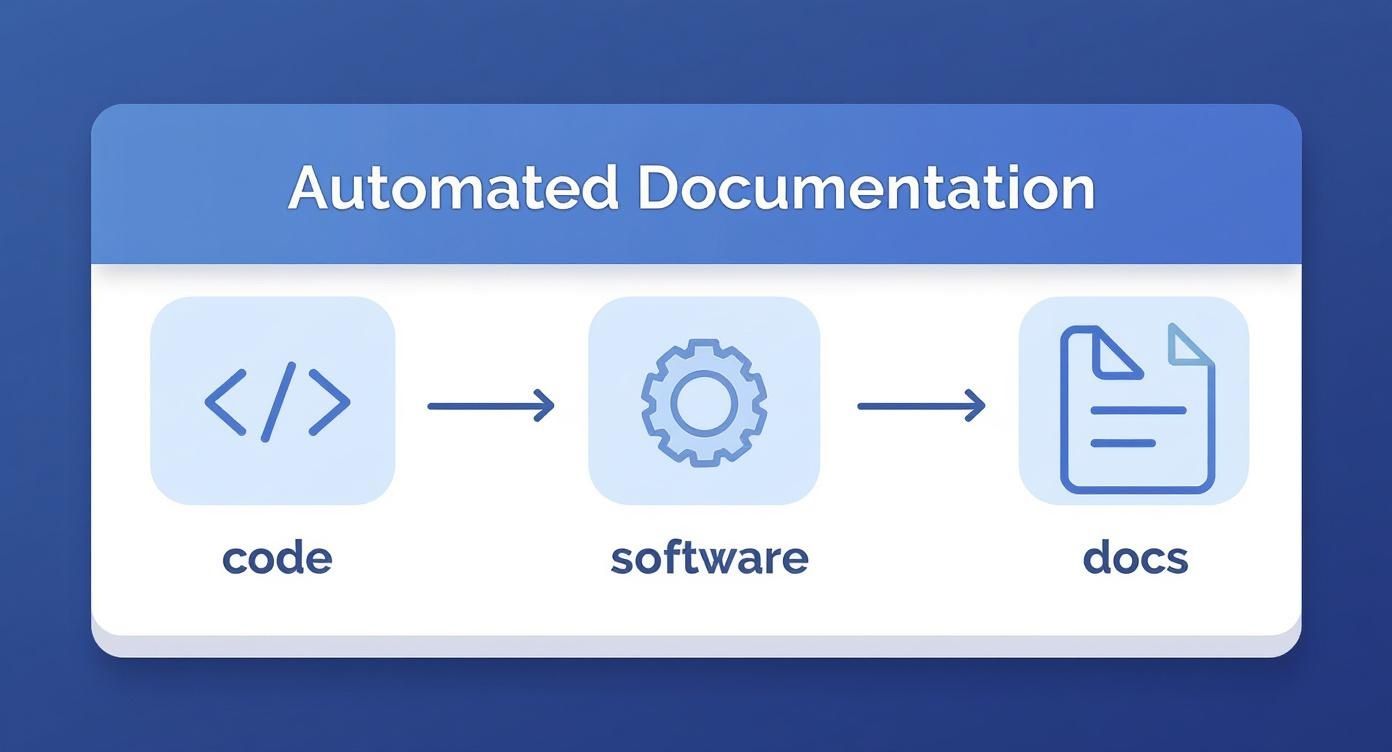
Modern automated documentation software operates on a simple principle: when you push code, the documentation updates itself. Not by generating everything from scratch (which produces sterile, useless docs), but by performing targeted updates to the specific sections that drifted.
This is the difference between static site generators and true automation. Tools like Docusaurus or MkDocs are brilliant at rendering documentation, but they’re dumb about maintaining it. They can’t detect that your API endpoint’s signature changed or that the authentication flow now uses JWT instead of sessions.
A code-aware documentation system builds a complete map of your repository, linking functions, endpoints, and configuration files to their documentation counterparts. When it detects a change, it updates only what’s necessary, function signatures in API references, code examples that reflect new syntax, descriptions that mention new features.
The Monorepo Question
Before implementing any documentation automation, confront the uncomfortable question: Do you actually need microservices?
One commenter on the Reddit thread pointed out the obvious: if you have more services than developers, your architecture has outpaced your team’s ability to manage it. This isn’t gatekeeping, it’s physics. The complexity overhead of distributed systems demands a certain team size and organizational maturity.
A monorepo solves the documentation problem by making it irrelevant. Everything lives in one place. Docs stay with code. Discovery happens through file structure, not service catalogs. For teams under ten developers, this architectural simplification often provides more value than any documentation tool.
But if you’re committed to microservices, whether for scaling reasons, team boundaries, or polyglot requirements, then the monorepo argument becomes a different debate. In that case, the solution isn’t rearchitecting, it’s automating the glue that holds your distributed system together.
The Build Process That Actually Works
If you’re not ready for automated tooling, there’s a brutally simple alternative: a documentation project with a build process that pulls your other repositories and extracts their documentation.
This approach, recommended in the Reddit discussion, boils down to a script with a for loop. Clone each service repository, extract Markdown files from specific directories, combine them into a single site, and publish it to an internal domain. The script can be as simple as:
#!/bin/bash
# docs-builder.sh

services=("auth-service" "payment-service" "user-service")
for service in "${services[@]}"; do
  git clone "git@github.com:yourorg/${service}.git"
  cp "${service}/docs/*.md" "combined-docs/${service}/"

done

# Build and publish
mkdocs build --config-file mkdocs.yml
This isn’t elegant, but it’s honest. It works without vendor lock-in, without platform maintenance, and without learning a new configuration DSL. For small teams, this kind of pragmatic hack often outperforms enterprise solutions.
Diagrams: The Final Frontier
Technical documentation without diagrams is a wall of text that no one reads. But maintaining diagrams in a microservices architecture is its own special hell.
The Reddit thread surfaced several solutions:
- Diagrams as Code: Tools like Mermaid, PlantUML, or GraphViz let you define diagrams in text files that live alongside your code. They render into SVG or PNG during your documentation build process. This approach treats diagrams like source code, version controlled, diffable, and automatically updated.
graph TD
    A[Client] --> B[API Gateway]
    B --> C[Auth Service]
    B --> D[Payment Service]
    B --> E[User Service]
    C --> F[Database]
    D --> F
    E --> F
The advantage? LLMs can reliably generate and read Mermaid syntax with minimal context, making it possible to semi-automate diagram updates as your architecture evolves.
- ASCII Art: For simple flowcharts and component relationships, ASCII art remains surprisingly effective. It’s native to Markdown, requires no build tooling, and displays everywhere. The key is avoiding Unicode box-drawing characters that break in fixed-width fonts. Keep it simple:
+-------------------+       +-------------------+
|   API Gateway     |------>|   Auth Service    |
+-------------------+ +-------------------+- External Tools: For complex visualizations, author diagrams in dedicated tools like draw.io or C4, then commit the SVG/PNG assets to your docs repository. This makes updates harder, but the visual quality often justifies the manual overhead for high-level architecture diagrams that change infrequently.
The LLM Trap
The research surfaced a tempting shortcut: using LLMs to auto-generate documentation from code. Services like DeepWiki demonstrate this by creating “documentation” for open-source repositories.
This approach fails for the same reason comments that describe what the code does are useless. Code can tell you what is, but it cannot tell you why something was designed that way. Background, intention, trade-offs, these require human judgment and historical context that no amount of code scanning can recover.
LLMs can summarize existing documentation or help maintain consistency, but they cannot replace the architectural decisions that belong in docs. The moment you treat LLM-generated content as authoritative, you’ve outsourced your team’s collective memory to a statistical model that has never debugged a production incident at 3 AM.
Actionable Hierarchy: What Actually Belongs Where
The controversy around centralized documentation often stems from category errors, people trying to make a wiki do a README’s job. Here’s the hierarchy that actually works for small teams:
- Service Repository (Code-Adjacent)
– API specifications (OpenAPI/Swagger)
– Quickstart guides
– Configuration examples
– Deployment instructions specific to that service
– Mermaid diagrams for internal flows - Centralized Portal (Automated Build)
– Service catalog with ownership and dependencies
– Architecture decision records (ADRs)
– Incident runbooks
– Cross-service integration patterns
– Team contact information and onboarding paths
The rule: if it changes when the code changes, it lives with the code. If it explains why the code exists or how services relate, it gets centralized.
The Five-Minute Implementation
If you want to test this approach without committing to a platform, here’s the minimal viable implementation:
- Create a
docsrepository with a simple MkDocs setup - Add a GitHub Action that triggers on a schedule (or via webhook) to pull documentation from each service repo
- Standardize documentation structure in each service:
/docs/api.md,/docs/deployment.md,/docs/architecture.md - Use Mermaid for all diagrams so they render automatically
- Publish to GitHub Pages or an internal domain
The entire setup takes less than an hour and gives you 80% of the value of a developer portal with 5% of the overhead. For a team of ten developers, this is often the difference between documentation that exists and documentation that gets used.
The Real Controversy: Documentation is an Architectural Problem
The spicy take that enterprise vendors won’t mention: your documentation crisis is a symptom of architectural decisions made without considering team topology.
If your services are so fine-grained that no single developer understands the system, no documentation tool will save you. If your team boundary lines don’t match your service boundaries, your docs will always be outdated because ownership is unclear.
The global document automation market’s explosive growth, from $7.86 billion to $9.06 billion in a single year, isn’t just about efficiency. It’s about organizations realizing that distributed systems create documentation debt at a scale where manual maintenance becomes impossible.
For small teams, the answer isn’t to buy into that billion-dollar market. It’s to recognize that documentation works best when it disappears into the development workflow. The best documentation is documentation you never have to think about updating, because updating it is as natural as committing code.
The controversy isn’t whether centralized documentation is good or bad. It’s whether we’re solving the right problem. And for most small teams wrestling with microservices, the problem isn’t where the docs live, it’s that they have to live in too many places because the architecture demanded distribution before the team was ready for it.
Start with a script. Automate the boring parts. Keep docs close to code. And question whether that next microservice is solving a technical problem or just creating a documentation problem you’ll spend 1,000 hours a year trying to solve.