The WHERE Clause Documentation Gap: Where dbt’s Transparency Promise Breaks Down
Your dbt documentation looks perfect on the surface. Every column has a description. The DAG shows clean lineage. Stakeholders can browse the docs site and understand what monthly_revenue means. But drill into the actual SQL, and you’ll find business logic that exists nowhere in your documentation, buried in a WHERE clause that quietly filters out entire segments of your data.
This is dbt’s documentation gap, and it’s turning data governance into a game of SQL archaeology.
The Invisible Business Logic Problem
Consider a typical dbt model for “top sales”:
-- models/gold_top_sales.sql
SELECT
    product_id,
    monthly_sales
FROM {{ ref('bronze_monthly_sales') }}
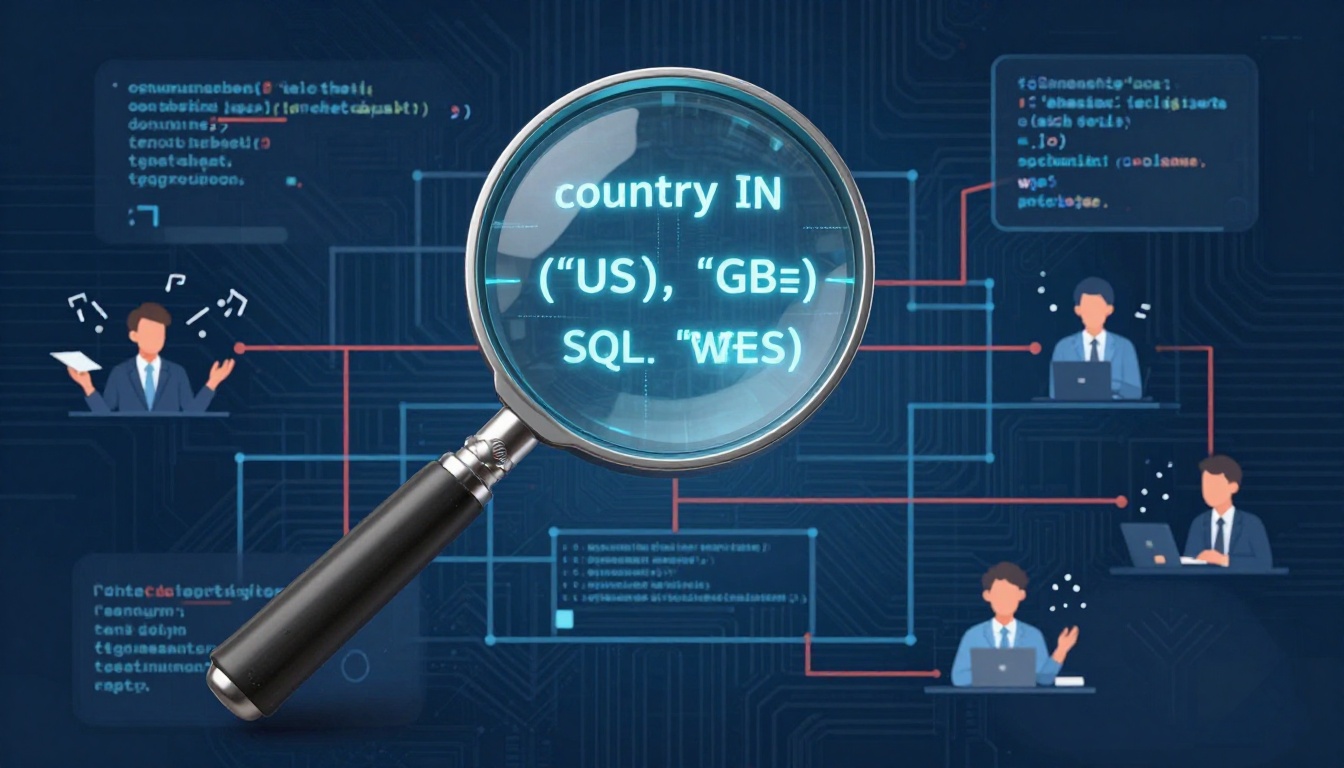
WHERE country IN ('US', 'GB')
  AND category LIKE 'tech'
The business rule is explicit: only US and UK tech products count as “top sales.” But where does this logic live in your documentation? The column descriptions for product_id and monthly_sales won’t capture it. The model description might mention “top sales”, but the specific criteria, the actual business definition, remains locked in code.
This pattern repeats across modern data stacks. A Reddit discussion on this exact issue revealed data teams struggling with the same question: how do you document filtering logic that fundamentally defines what your data is? The consensus? Most teams aren’t doing it well, and the downstream consequences are real.
Why “The Code Is Self-Documenting” Fails
One common response is to skip documentation entirely. “The WHERE clause clearly defines what it is doing”, engineers argue. “Just read the SQL.”
This breaks down the moment you have stakeholders who can’t (or shouldn’t) read SQL, product managers defining requirements, auditors validating compliance, or new hires trying to understand why your “global” revenue dashboard shows only two countries. It also fails when the logic becomes complex:
WHERE
    (country IN ('US', 'GB') AND category LIKE 'tech')
    OR (country = 'DE' AND category = 'industrial' AND is_approved = true)
    OR (customer_segment = 'enterprise' AND contract_value > 100000)
Good luck expecting a business user to parse that logic from raw SQL. Even experienced engineers will struggle when this logic is scattered across 50 models, each with slightly different variations.
The Governance and Onboarding Tax
The real cost of undocumented filtering logic shows up in three places:
- Auditing nightmares: When compliance asks “how do you define active users?” and your answer is “let me check the SQL”, you’re not passing any audit. The logic isn’t version-controlled in a business-friendly format, and you can’t prove consistency across models.
- Onboarding friction: New data engineers spend their first weeks tracing through WHERE clauses to understand why numbers don’t match between dashboards. The tribal knowledge lives in Slack threads and code comments, not documentation.
- Technical debt: When business rules change, say, adding Canada to the “top countries” list, you’re grepping through dozens of models, hoping to catch every instance. Miss one, and you’ve got data drift silently corrupting downstream analysis.
Current Approaches: From Minimal to Overkill
Data teams have developed workarounds, each with tradeoffs:
The “Why” Not “What” Approach
models:
  - name: gold_top_sales
    description: |
      Monthly sales for strategic focus markets and categories.
      Filter logic reflects Q1 2024 decision by VP Sales to prioritize
      US/UK tech markets for resource allocation.
This is clean but insufficient. It tells you why but not what is filtered. When the logic changes, the description often doesn’t.
Inline SQL Comments
-- Filter: Strategic focus markets per Q1 2024 board decision
-- Includes: US, UK tech products
-- Excludes: All other markets pending expansion review
WHERE country IN ('US', 'GB') AND category LIKE 'tech'
Better, but these comments don’t surface in dbt’s documentation site. They stay trapped in the code, invisible to stakeholders browsing the docs.
Data Tests as Documentation
data_tests:
  - accepted_values:
      column_name: country
      values: ['US', 'GB']
      config:
        where: "category LIKE 'tech'"
This is clever, tests are documented and enforced, but it’s backwards. Tests should validate logic, not define it. Plus, it only works for simple cases.
The LLM Documentation Revolution
A growing number of teams are using LLMs to generate documentation automatically. One approach involves feeding model SQL through tools like Cline or Claude Code with custom workflows that:
- Parse the SQL to identify business logic patterns
- Generate human-readable descriptions of filters
- Add inline comments explaining complex conditions
- Update YAML descriptions with structured sections for “Business Logic”
The LLM can infer context from Jira tickets, PR descriptions, and existing comments to produce documentation that captures both the what and the why. This scales documentation efforts and ensures uniformity across hundreds of models.
This connects to the broader trend of LLM-assisted code reviews and documentation practices. The same models that can summarize code changes can maintain living documentation that evolves with your business logic.
A Practical Framework: Documenting Filters Effectively
Based on community patterns, here’s a working approach:
1. Model-Level “Business Logic” Section
models:
  - name: gold_top_sales
    description: |
      ### Purpose
      Monthly sales aggregation for strategic focus markets.

      ### Business Logic
      **Geographic Scope**: United States and United Kingdom only
      **Product Scope**: Technology category products
      **Decision Date**: Q1 2024 (VP Sales quarterly planning)
**Review Cycle**: Annually or upon market expansionRationale: Focuses analytics on markets receiving dedicated sales resources. Excludes other markets to prevent misallocation of insights.
2. Inline Comments for Complex Conditions
WHERE
    -- Strategic focus markets (US, UK tech)
    (country IN ('US', 'GB') AND category LIKE 'tech')
    -- Exception for German industrial with approval
    OR (country = 'DE' AND category = 'industrial' AND is_approved = true)
    -- Enterprise segment override
    OR (customer_segment = 'enterprise' AND contract_value > 100000)
3. CTEs for Self-Documenting Structure
WITH strategic_focus_markets AS (
    SELECT * FROM {{ ref('bronze_monthly_sales') }}
    WHERE country IN ('US', 'GB') AND category LIKE 'tech'
),
enterprise_overrides AS (
    SELECT * FROM {{ ref('bronze_monthly_sales') }}
    WHERE customer_segment = 'enterprise' AND contract_value > 100000
)
SELECT * FROM strategic_focus_markets
UNION ALL
SELECT * FROM enterprise_overrides
This approach aligns with dbt’s CTE patterns and performance tradeoffs. While CTEs can have performance implications, the clarity they provide for complex business logic often outweighs the cost, especially when the alternative is undocumented magic.
4. Version-Controlled Business Rules
# business_rules.yml
strategic_focus_markets:
  rule_id: SF-2024-Q1
  decision_date: 2024-01-15
  decision_maker: vp_sales
  countries: ['US', 'GB']
  categories: ['tech']
  review_date: 2025-01-15
  status: active
Then reference this in your model description and use Jinja to generate the WHERE clause. This makes business rules a first-class citizen in your codebase.
The Path Forward: Making Filters First-Class
dbt’s documentation features are powerful but were designed for a different era, when models were simpler and business logic lived in metrics layers. Today’s data stacks need:
- Native filter documentation: A
filters:key in the YAML schema that surfaces in the docs site - Business rule versioning: Track when and why filters change, linking to decisions
- Stakeholder-friendly rendering: Show filter logic in plain English, not SQL
- Impact analysis: See which downstream models and dashboards are affected by filter changes
Until these features arrive, teams must be intentional. The best documentation captures not just what your code does, but the business context that makes it necessary. It answers: Who decided this? When? Why? When does it change?
Your WHERE clauses are business logic. Treat them that way, or watch your data governance promises evaporate every time someone asks “why don’t these numbers match?”