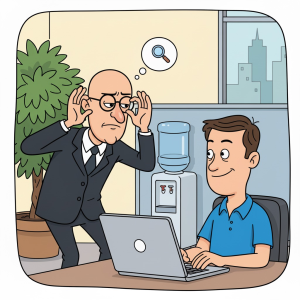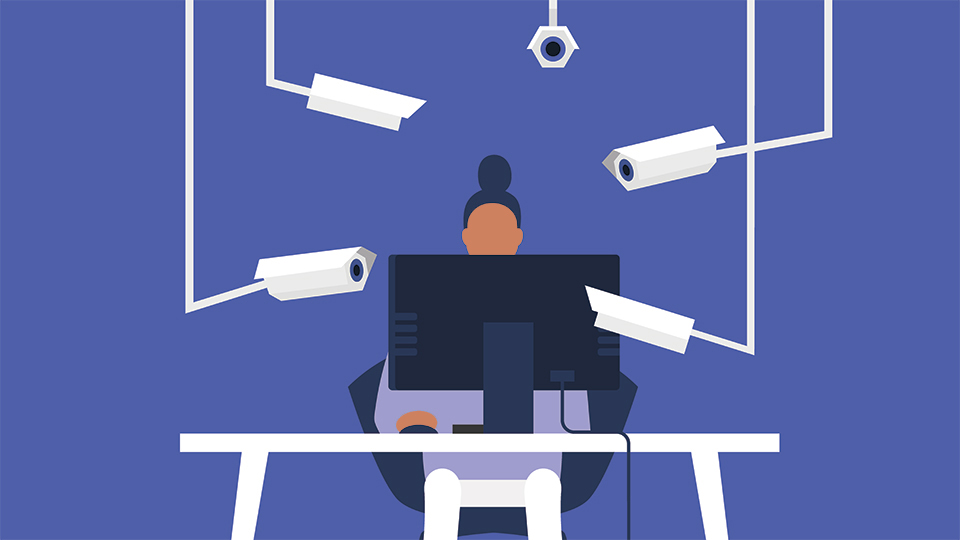
HR just slid into your DMs (or Slack, more likely) with a request that makes your skin crawl: “Can you look into employee monitoring software? We’re authorizing WFH, but management wants to ensure productivity.”
You’ve read the headlines. You know that 23 employees quit in a week after billionaire attorney John Morgan slapped cameras on laptops for remote work. You know that story sparked a global debate, with pushback on social media along the lines of “A good employer knows if their employees are being productive by the results, not the keystrokes or cameras monitoring them. I’d quit as well.”
So, what do you do? Refuse and risk becoming the “obstacle” management removes? Or capitulate and recommend a full surveillance suite that turns your team into anxious, resentful clock-watchers?
Welcome to the IT manager’s dilemma. It’s not a technology problem. It’s a trust problem wearing a tech costume.
The Brutal Truth: You Can’t Just Say No
Let’s get one thing straight: the “fight the man” approach is a fast track to updating your resume. A top comment from IT managers on a widely-discussed Reddit thread about this exact scenario nailed it: “If you become an obstacle then you are the one the company will get rid of first.”
The sentiment on professional forums is clear: it’s IT’s job to provide tools that allow other departments to do their jobs. Would you fight Finance over new accounting software? No. HR wants a business functionality, and they’re doing the right thing by asking for your technical input rather than buying shadow IT and expecting you to manage it later.
But here’s the nuance that separates a good IT leader from a pushover: you don’t have to recommend the draconian tool they saw in a sales pitch. You have to recommend the right tool for the stated business outcome.
The Best Defense is a Good Offense: Ask “Why?”
The single most valuable piece of advice from veteran IT managers is this: Ask HR what KPIs employees will be measured against before you even look at a vendor.
Don’t just take a vague “we want to track productivity” as an answer. Ask for specifics.
– Are they trying to verify billable hours?
– Are they concerned about data security and insider threats?
– Do they want to see if certain software tools are being used effectively?
– Or, be honest with yourself, do they just want to catch people slacking off?
A great example from the field: one IT manager was asked for monitoring software. When he pushed back and asked what HR actually wanted, they said, “We need to see what websites they’re visiting on their work systems.” His response? “Our firewall already does that. How often do you want the report?” Done. No new software, no new costs, no new trust violation.
This approach puts the onus back on HR to define the business need. It also sets the stage for you to select a tool that solves the problem without becoming a weapon of micromanagement.
The “Non-Draconian” Shortlist: What’s Actually Worth Your Budget
If you actually need a purpose-built tool, the market in 2026 has matured significantly. You can find options that provide visibility without the creep factor. The key is to look for platforms that are designed with privacy and consent as a feature, not a checkbox.
Here are the categories and standout tools from a recent comprehensive review by People Managing People, which is a great resource for this exact problem:
| Tool | Best For | Key Privacy Feature | Price From |
|---|---|---|---|
| Insightful | Employee productivity monitoring | Categorizes apps/websites as productive/unproductive | $8/seat/month |
| Hubstaff | App and URL monitoring | Automatic idle time detection | $7/user/month |
| ActivTrak | Privacy-conscious monitoring | No keystroke logging, no camera access. Excludes non-business activity | $10/user/month (annual) |
| DeskTime | Non-intrusive monitoring | Private time option for personal browsing. Blurred screenshots | $6.42/user/month (annual) |
The Clear Winner for Your Dilemma: ActivTrak
If you want to walk into that meeting with HR and say, “Here’s the industry standard that does what you need without turning us into Big Brother”, point them to ActivTrak.
Why? It was built spec-first around the privacy problem. It explicitly does not log keystrokes, does not access cameras, and does not record video. It measures application and website usage, which is usually more than enough data to understand workflow. The role-based access control is also a godsend, you can ensure a frontline manager isn’t seeing the same granular data as an HR director, preventing data from being used for petty micromanagement.
If HR insists on something more, offer DeskTime. Its “Private Time” feature allows employees to manually pause tracking for personal browsing, which goes a long way toward maintaining goodwill. The “stealth mode” on tools like Controlio should be a hard no, you saw what happened with covert monitoring and the ethical failures it creates.

The Real Cost of Invasive Surveillance: A Case Study in Attrition
Let’s go back to John Morgan and his 23 resigned employees. Regardless of whether you think those employees were avoiding work or simply refusing to accept a camera in their living room, the case is a masterclass in how not to implement a policy.
Even if Morgan and Morgan avoided a massive lawsuit over privacy (the legal landscape for employee monitoring is a minefield), the operational cost was immediate and severe. 23 resignations in a week is not a minor talent drain, it’s a catastrophic HR event that impacts morale, knowledge retention, and recruitment.
This isn’t just about “bad apples” either. Research summarized by the American Psychological Association links invasive monitoring to higher stress, lower job satisfaction, and a chilling effect on employees’ willingness to speak up. The psychological contract, the unwritten expectation of mutual trust, breaks down. Top performers, who can easily find other jobs, are the first to leave.
Building a Trust-Based Framework: Your Four-Step Implementation Plan
You can’t just throw a tool at the problem and hope for the best. Here’s the framework successful IT managers use to deploy monitoring without destroying team morale.
Step 1: Mandate Radical Transparency (The Non-Negotiable)
Never deploy covert monitoring. A guide on ethical monitoring from cybersecurity experts stresses this: draft a plain-language Acceptable Use Policy (AUP) that clearly answers:
– What data is collected (e.g., application names, website URLs, access logs).
– What is never collected (e.g., keystrokes, private messages, webcam video).
– Who has access to the data and under what circumstances.
– How long telemetry logs are retained before automated deletion.
Announce the deployment at least a week before any data is reviewed. Explain the “why” in business terms, billing accuracy, workload balancing, security, not suspicion.
Step 2: Measure Outcomes, Not Activity
This is the single hardest pivot for management to make, but it’s the most important. If your boss wants to know if someone is working, the answer is never “they were active in Excel for 8 hours.” The answer is “they delivered the Q3 financial model on time.”
Linus Torvalds famously mocked the idea of measuring programmers by lines of code. A similar sentiment from a commenter on that Reddit thread rings true: “Anyone that thinks that [number of keystrokes] is a good metric doesn’t know what they are talking about.” Activity data is a proxy for presence. Output data is a proxy for value.
For knowledge workers, “mouse movement per hour” is a meaningless metric. “Projects completed per sprint” is not. Push HR and management to define success in terms of deliverables. You can even flip the script and suggest the trust audit mentioned in the Bluebook Helpers guide: For every metric you track, ask, “Could we get this insight from output data instead?”
Step 3: Give Employees Control
A tool that allows employees to see their own data is a coaching tool. A tool that only shows data to the boss is a surveillance device. Choose software like ActivTrak or DeskTime that offers “personal insights” dashboards, allowing employees to see their own productivity trends, spot their own distractions, and correct their own behavior without being summoned to a meeting about a metric they can’t see.
Step 4: Conduct a Quarterly Trust Audit
Don’t let the system become zombieware. Every quarter, review the data you’re actually collecting and ask:
1. Did we use this data to make a decision in the last 90 days?
2. Would we be comfortable explaining this metric to the employee it measures?
If the answer to the first is “no”, cut the metric. If the answer to the second is “no”, you have a trust problem, not a data problem. The “revolutionary” policy that collects everything is mostly revolutionary paperwork.
The Verdict: You Are the Gatekeeper of Culture
The employee monitoring dilemma isn’t going away. As hybrid work becomes permanent, the tools will become more sophisticated, likely integrating the AI-driven insights we see in tools like Intelogos and WebWork. But those tools are only as ethical as the policies that govern them.
Your job as the tech leader isn’t just to pick the software. It’s to define the boundary between accountability and surveillance. By asking the right questions, advocating for privacy-first tools, and focusing on outcomes over activity, you can satisfy HR’s need for visibility without handing them a hammer to bludgeon your team with.
This is a nuanced problem. On one hand, you have the employee data transparency and trust in tech workplaces movement that shows employees want openness. On the other, you have the ethical consequences of automation and workforce monitoring which can lead to distrust and burnout if not managed carefully.
You have the power to decide whether the monitoring policy is used as a coaching tool or a punitive one. Get the tool selection right, but more importantly, get the intent right. If you frame it as “we’re building a dashboard to help you see your own productivity and manage your workload”, you’ll have a team that’s on board. If you frame it as “we need to catch people who are slacking off”, don’t be surprised when you have 23 vacant desks.