
The first 5 million records took five minutes. The next 5 million took an hour. By the time you’re staring down the barrel of 250 million records, your MySQL insert pipeline has become a cautionary tale. This isn’t a hypothetical, it’s a real scenario that played out on a data engineering forum, and it’s more common than you’d think.
When you’re loading hundreds of millions of rows into MySQL, the database doesn’t just slow down linearly. It hits a wall. The performance cliff appears suddenly, turning what looked like a successful bulk load into a death march of progressively slower batches. Understanding why this happens requires looking past the obvious suspects and into the architectural decisions that make MySQL behave like this.
The Deceptive Smooth Start
The initial batches feel fast because MySQL is essentially operating in cheat mode. With an empty table, InnoDB can simply append data to the end of the data file without worrying about index maintenance overhead. The buffer pool is pristine, there’s no contention for locks, and the transaction log is writing sequentially with minimal pressure.
But as the table grows, the database starts doing real work. Every insert now requires navigating B-tree indexes, potentially splitting pages, and maintaining the delicate balance of the buffer pool. The first sign of trouble is subtle: batch times increase from 5 minutes to 10, then 30, then suddenly you’re watching a single 5-million-record batch crawl through for two hours.
The Index Maintenance Tax
The Reddit thread about this exact problem quickly identified the primary culprit: indexes. When your table is indexed, and any production table worth its salt is, each insert becomes more expensive as the index trees deepen. InnoDB doesn’t just write your data, it has to update every index on the table, and those indexes are getting taller and more fragmented with each batch.
The math is brutal. A table with three secondary indexes means every row insertion triggers four write operations: one for the data page and three for index updates. At 250 million rows, you’re not just inserting data, you’re performing a billion index maintenance operations. And as the B-trees grow from height 3 to 4 to 5, each navigation takes more disk I/O and more buffer pool pages.
The community’s consensus solution? Drop the non-primary indexes before loading and rebuild them after. It sounds drastic, but the performance difference is staggering. One commenter suggested creating a temporary table with the same schema but no indexes, using LOAD DATA INFILE for the bulk insert, then swapping tables and building indexes on the populated table. This approach can reduce load times by 70-80% because you’re paying the index maintenance cost once instead of 250 million times.
Buffer Pool Saturation: Where Performance Goes to Die
While indexes take the blame, the silent killer is buffer pool exhaustion. The InnoDB buffer pool is MySQL’s working memory, and it follows a strict LRU (Least Recently Used) algorithm that wasn’t designed for bulk insert patterns.
Here’s what the buffer pool optimization guide reveals: as your insert progresses, the buffer pool fills with dirty pages (modified data that hasn’t been flushed to disk). The page cleaner threads struggle to keep up, and the LRU churn becomes severe. Your hot set, the frequently accessed data, gets evicted by the massive influx of new pages, causing cache misses to skyrocket.
The metrics tell the story. A healthy buffer pool shows hit rates above 99%. During a problematic bulk insert, you’ll see:
– Hit rate dropping below 95%
– Evictions increasing exponentially
– Dirty page ratio climbing above 75%
– Checkpoint age growing, indicating the log is under pressure
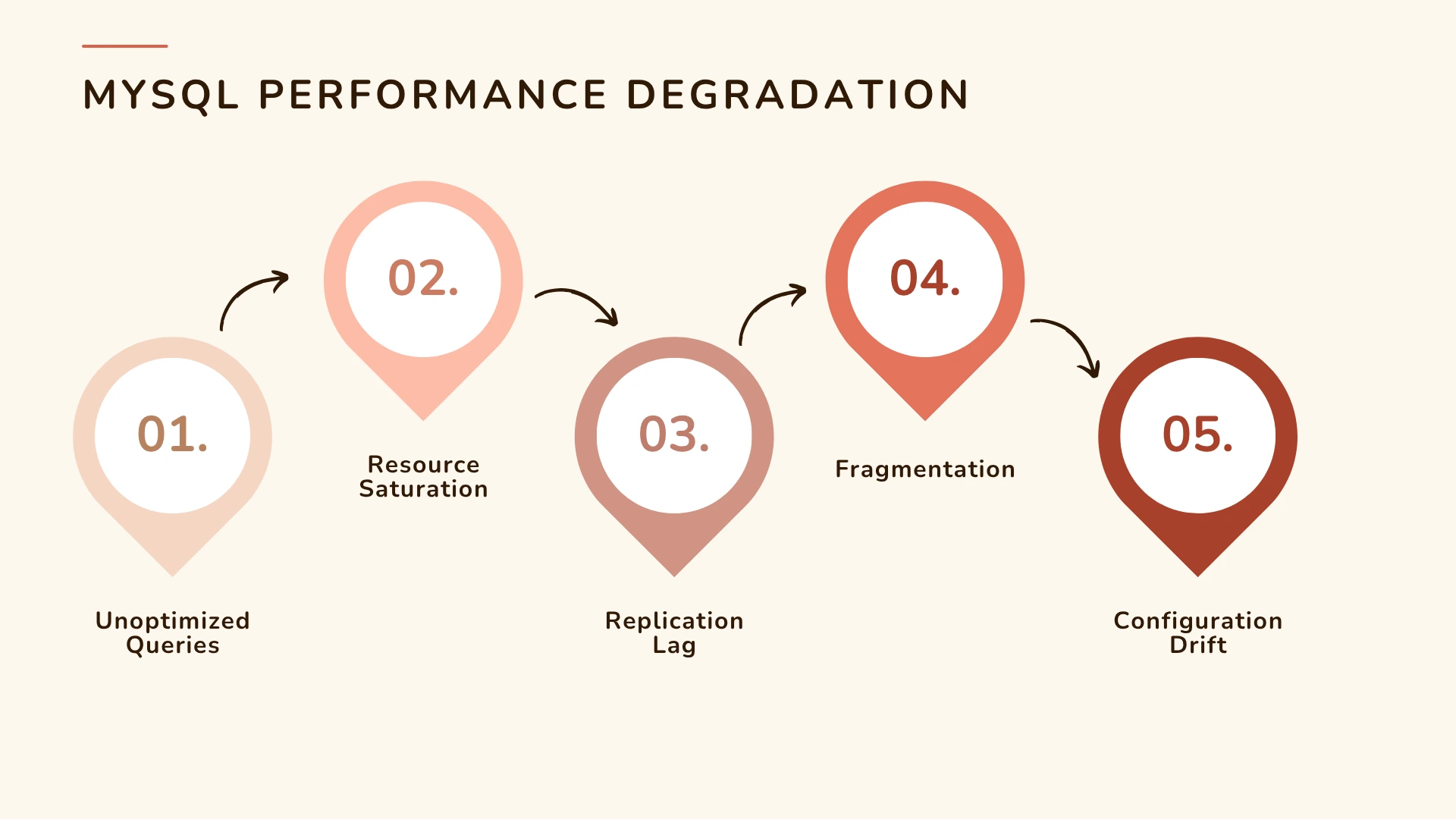
The JDBC Batch Size Mirage
The original poster used Spark JDBC with 5-million-record batches, which seems reasonable. But here’s where a subtle configuration detail destroys performance: the rewriteBatchedStatements=true flag.
Without this flag, even if you’re using JDBC’s addBatch() method, the MySQL driver might send individual INSERT statements. Each statement incurs network round-trip latency and transaction log overhead. With 5 million rows, you’re looking at 5 million separate operations instead of a few hundred multi-value INSERT statements.
The fix is simple but non-obvious: append rewriteBatchedStatements=true to your JDBC connection string. This forces the driver to rewrite batches into efficient multi-value INSERTs, reducing network chatter and log pressure by orders of magnitude. One commenter noted this single change cut their load time in half.
The Table Swap Gambit
Perhaps the most elegant solution proposed was the table swap strategy. Instead of fighting MySQL’s architecture, you work around it:
-- Create a staging table with identical schema but NO indexes CREATE TABLE staging_table LIKE production_table; ALTER TABLE staging_table DROP INDEX idx_col1, DROP INDEX idx_col2; -- Bulk load into the staging table using LOAD DATA INFILE LOAD DATA INFILE '/path/to/data.csv' INTO TABLE staging_table; -- Swap tables in a single atomic operation RENAME TABLE production_table TO old_table, staging_table TO production_table; -- Now build indexes on the populated table ALTER TABLE production_table ADD INDEX idx_col1 (col1); ALTER TABLE production_table ADD INDEX idx_col2 (col2); -- Verify everything, then drop the old table DROP TABLE old_table;This approach has several advantages. LOAD DATA INFILE is the fastest way to get data into MySQL, it’s designed for bulk operations and bypasses much of the SQL parsing overhead. Building indexes on a populated table is more efficient than maintaining them during inserts because InnoDB can sort the data and build the indexes in a single pass. And the RENAME operation is atomic, meaning zero downtime.
A critical refinement from the thread: keep the old table around until you’ve verified the new one. Nothing’s worse than dropping your only good copy because the index rebuild failed silently.
Fragmentation: The Long-Term Performance Killer
While the initial load is your immediate problem, the ManageEngine analysis warns about what comes after. Bulk inserts cause fragmentation, both internal (within pages) and external (scattered pages on disk). This fragmentation compounds the performance degradation you saw during the load.
After loading 250 million rows, your table might be 30-40% larger than necessary, and queries that should read 10 pages now read 15. The OPTIMIZE TABLE command can rebuild the table to eliminate fragmentation, but on 250 million rows, that’ll take hours and require significant free space.
A better approach for ongoing maintenance is to plan periodic reorganization during maintenance windows, or better yet, design your pipeline to avoid fragmentation in the first place by using appropriate fill factors and avoiding random primary keys during bulk inserts.
Configuration Drift and Silent Killers
The research highlights another insidious problem: configuration parameters that look fine at small scale but become toxic at 250 million rows. The buffer pool size is the obvious one, but others are equally important:
innodb_log_file_size: Too small and checkpoints become aggressive, stalling inserts. For 250M rows, you need at least 2-4GB of redo log capacity.innodb_flush_log_at_trx_commit=1gives durability but kills performance. For bulk loads, consider2or even0if you can tolerate some risk.innodb_flush_method=O_DIRECTprevents double-buffering in the OS cache, reducing memory pressure.
Here’s the configuration table from the buffer pool guide, adjusted for bulk insert workloads:
| Total RAM | innodb_buffer_pool_size | innodb_buffer_pool_instances | innodb_log_file_size | Expectation |
|---|---|---|---|---|
| 32 GB | 23-26 GB | 4-8 | 2 GB | 97-99% hit rate for mixed loads |
| 64 GB | 45-52 GB | 8 | 2-4 GB | 99%+ with hot data in RAM |
| 128 GB+ | 90-100 GB | 16 | 4-8 GB | Sustained bulk insert performance |
The Nuclear Option: When MySQL Isn’t the Answer
Sometimes the honest answer is that you’re using the wrong tool. If you’re regularly loading 250 million records, consider:
– Columnar stores like ClickHouse or MariaDB ColumnStore for analytics workloads
– ETL tools that write directly to MySQL’s physical files
– Partitioning the table so each insert hits a fresh partition
– Incremental loads instead of full refreshes
But if you’re stuck with MySQL, and many of us are, the key is respecting its architecture. MySQL is an OLTP engine optimized for many small transactions, not bulk data warehousing operations. Force it to do the latter, and it’ll fight you every step of the way.
The 250M Row Playbook
- Preparation: Drop non-primary indexes, increase buffer pool to 80% RAM, set
innodb_log_file_size=4G - Loading: Use
LOAD DATA INFILEinto a staging table, or if using Spark, setrewriteBatchedStatements=trueandbatchsize=100000 - Monitoring: Watch buffer pool hit rate, dirty page ratio, and checkpoint age. If hit rate drops below 97%, pause and let the page cleaners catch up
- Post-load: Build secondary indexes with
ALTER TABLE, then atomically swap tables - Validation: Check row counts, run
ANALYZE TABLE, and only then drop the old table - Maintenance: Schedule
OPTIMIZE TABLEduring the next maintenance window
The performance difference is dramatic. One engineer reported their 250-million-row load dropping from 48 hours to under 4 hours using this approach. Another cut their cloud storage costs by 60% because the table was no longer fragmented.
Final Thoughts
The 250-million-record insert problem isn’t just about slow queries, it’s about understanding that MySQL’s performance characteristics are non-linear. What works for 5 million rows can fail catastrophically at 250 million. The database isn’t getting “slower”, it’s being asked to do exponentially more work per row as the dataset grows.
The most important lesson from the community discussion is this: don’t fight the architecture. MySQL’s index structures, buffer pool management, and log systems were designed for specific workloads. Bulk inserts of this magnitude aren’t that workload. But with the right strategy, dropping indexes, using proper batch settings, managing buffer pool pressure, and potentially swapping tables, you can make MySQL perform acceptably even at this scale.
Just don’t expect it to be linear. And definitely don’t expect those first fast batches to continue. The performance cliff is real, but now you know how to build a bridge across it.